





Losing access to your TikTok account happens more often than you might think — whether you forgot your password, your account got hacked, or TikTok suspended it. In most cases, recovery is possible.
Is someone impersonating you online?
Can You Recover a TikTok Account?
In the vast majority of cases, yes — recovering your TikTok account is possible. The process is similar to recovering a Facebook account or an Instagram account.
Whether your account was stolen or you simply forgot your password, the sections below walk you through each recovery method.
That said, recovery is not always guaranteed. Like every other social platform, TikTok enforces its terms of service.
If your account was permanently banned due to repeated violations of those terms, getting it back may not be possible.

Recovering Your TikTok Account via the Website
Go to TikTok’s homepage and click “Log in”. On the login screen, select “Forgot password?” to start the recovery process.
You will be asked to provide a contact method so TikTok can send you a verification code — either the email address or phone number linked to your account.
Make sure you enter the email address associated with the account. If you use a different one, recovery through this method will not work.
Within a few seconds, a verification code will arrive in your inbox or as a text message.
Enter the code on the TikTok page, then set a new password to regain access to your account.
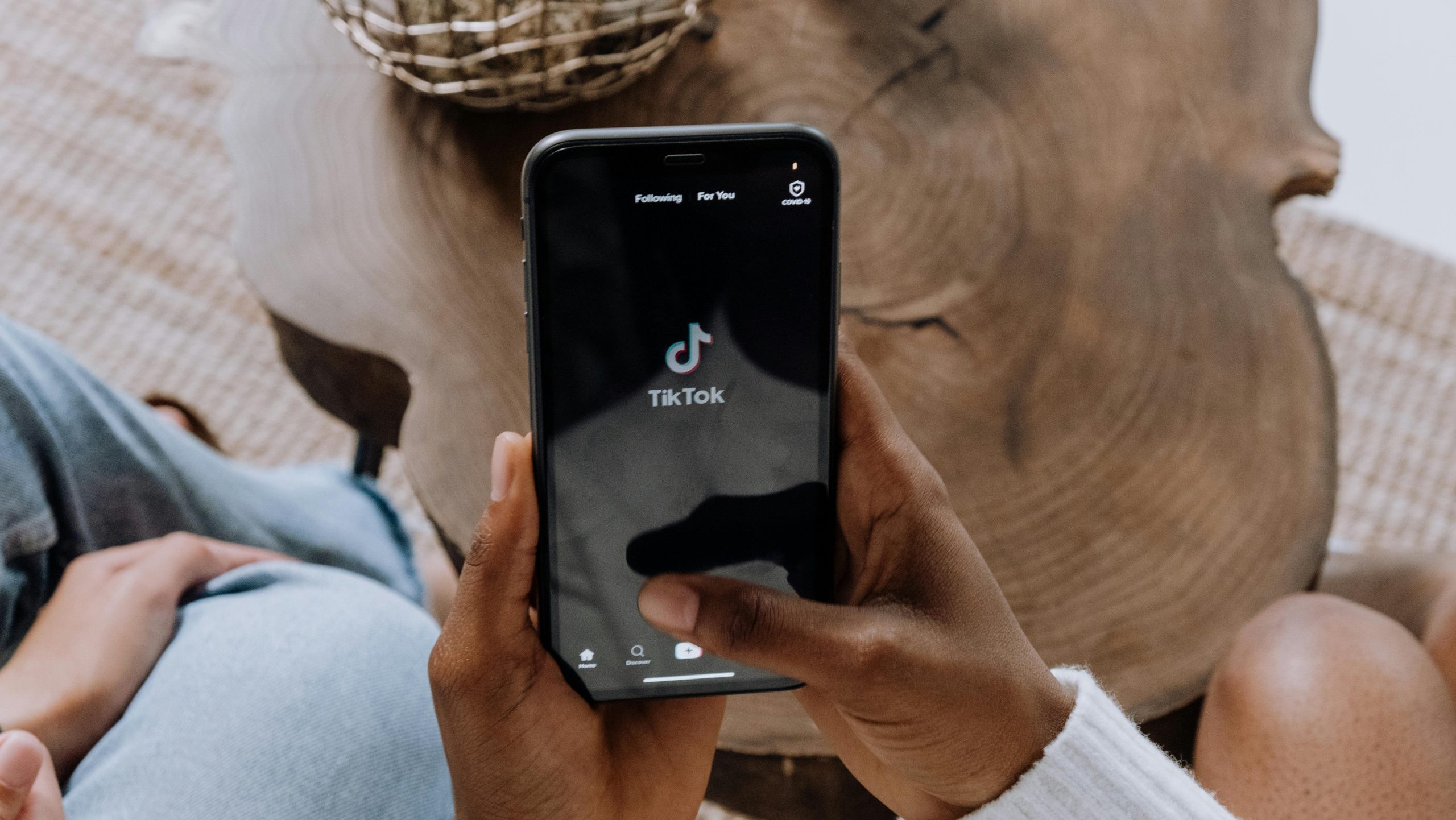
Recovering Your TikTok Account on Android
Open the TikTok app on your Android device and attempt to log in as normal. Since you don’t know your password, tap “Forgot password?” on the login screen.
The app will ask you to choose between email and phone number. Select whichever is linked to your account and accessible, so TikTok can send you the verification code.
Once you receive the code, enter it in the app and create a new password.
Recovering Your TikTok Account on iOS
The process on iOS is identical to Android. Open the app, tap “Forgot password?”, and follow the same steps described above.
Can You Use TikTok Without a Password?
Yes. You can browse TikTok without creating an account at all.
Passwords on TikTok exist solely for account authentication. If you use TikTok as a guest, no password is required.
Keep in mind that guest browsing comes with limitations. You won’t be able to follow other users or save videos to your favorites — those features require a registered account.
How to Recover a TikTok Account Without an Email Address
If you no longer have access to the email address linked to your account, recovery becomes trickier — but it is not impossible.
Your best option is to contact TikTok support directly. You can reach it from within the app under “Settings” by selecting “Report a problem”.
Provide as much information as possible to help TikTok verify that the account belongs to you.
Details such as matching IP address history can help TikTok confirm ownership and restore your access.

How to Appeal a Permanently Banned TikTok Account
If you violated TikTok’s terms of service, you may find your account permanently suspended.
To try to get it back, you will need to contact TikTok directly.
In the app, go to “Profile”, then “Settings and privacy”, and tap “Report a problem”. From there, navigate to “Report safety, privacy, and abuse issues”, then “Other”, and finally “I still have a problem”.
In that field, describe exactly what happened.
Include the username of the suspended account and make your case as clearly as possible.
You can acknowledge the mistake or explain that it was an error — whatever reflects the truth of the situation. Direct contact is the only avenue available to appeal a permanent ban.
What to Do If Your TikTok Account Was Hacked
If your account was hacked, someone — possibly a scammer — has gained unauthorized access and changed your password.
Try to recover your password using any of the methods described above, then change it to something completely different.
Before doing so, check your device for malware to avoid getting locked out again. Choose a strong, unique password that has nothing in common with the previous one.
If you are still struggling to regain access, RepScan can help. Get in touch and we will guide you through the process.
Frequently Asked Questions
How do I recover my TikTok account if I forgot my password?
Go to the TikTok login page — either on the website or the app — and select “Forgot password?”. Enter the email address or phone number linked to your account, then use the verification code you receive to set a new password.
What should I do if my TikTok account was hacked?
Use the “Forgot password?” option to try to recover access via your linked email or phone number. Before logging back in, scan your device for malware. Once you regain access, set a strong, unique password and review any third-party apps connected to your account.
Can I recover my TikTok account without access to my email?
Yes, though it is more difficult. If your phone number is linked to the account, you can use that instead. If neither option is available, contact TikTok support from within the app under “Settings” → “Report a problem” and provide as much identifying information as possible.
How can I appeal a permanently banned TikTok account?
In the TikTok app, go to “Profile” → “Settings and privacy” → “Report a problem” → “Report safety, privacy, and abuse issues” → “Other” → “I still have a problem”. Describe your situation clearly, include your account username, and submit the appeal. Direct contact with TikTok is the only way to challenge a permanent ban.
Can someone impersonate me on TikTok?
Yes. Impersonation — where someone creates a fake profile using your name, image, or content — violates TikTok’s Community Guidelines. You can report the profile directly to TikTok. If the harm extends beyond the platform and affects your reputation or personal data, specialist services can help you get the content removed.
Is it safe to browse TikTok without creating an account?
Yes. You can use TikTok as a guest without registering. You won’t be able to follow users, like videos, or save favorites, but your personal data is not exposed in the same way as with a registered account.
Category: Tools · Tags: Privacy, Security

En RepScan se encarga de Growth y del ecosistema digital de la compañía (web y eshop). Escribe sobre reputación online, eliminación de contenido perjudicial y protección de la identidad digital de personas y empresas.
Ver perfil de LinkedIn